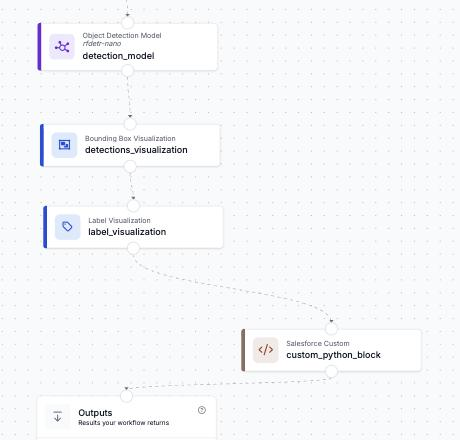
A detection is only useful if someone goes and fixes the thing. This page configures a Custom Python Block that takes what a Workflow just saw, the annotated frame, the model's predictions and where and when it happened, and files it as a Salesforce Work Order with the evidence image attached. It works with any Roboflow model: object detection, instance segmentation, keypoints or classification.
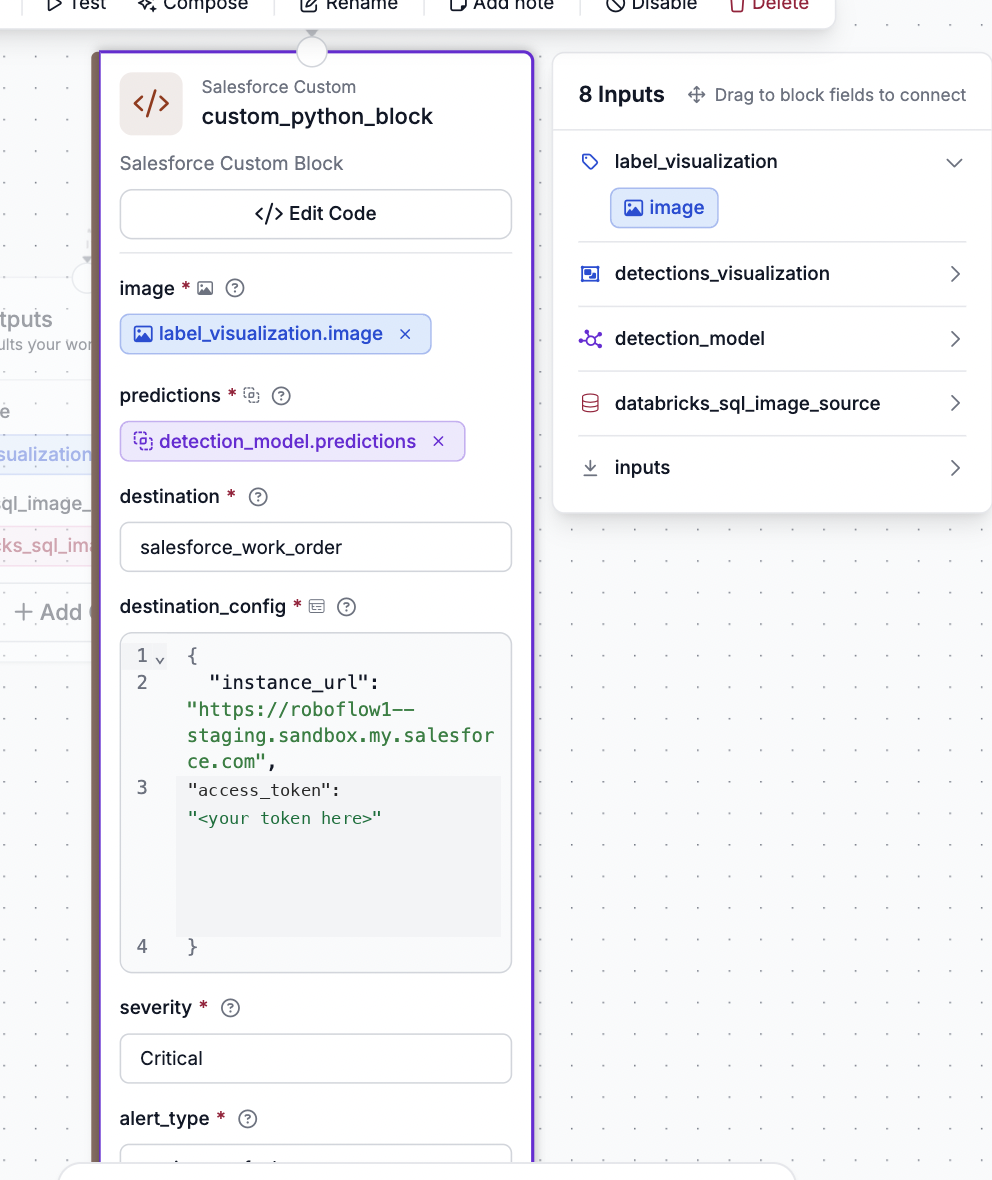
1 Fill in your setupDestination, Salesforce org, severity, site, crew, schedule and SLA hours. The token is never part of the output.
2 Copy the block codePaste it into a Custom Python Block's code editor in the Roboflow Workflow builder. Your values are already in it.
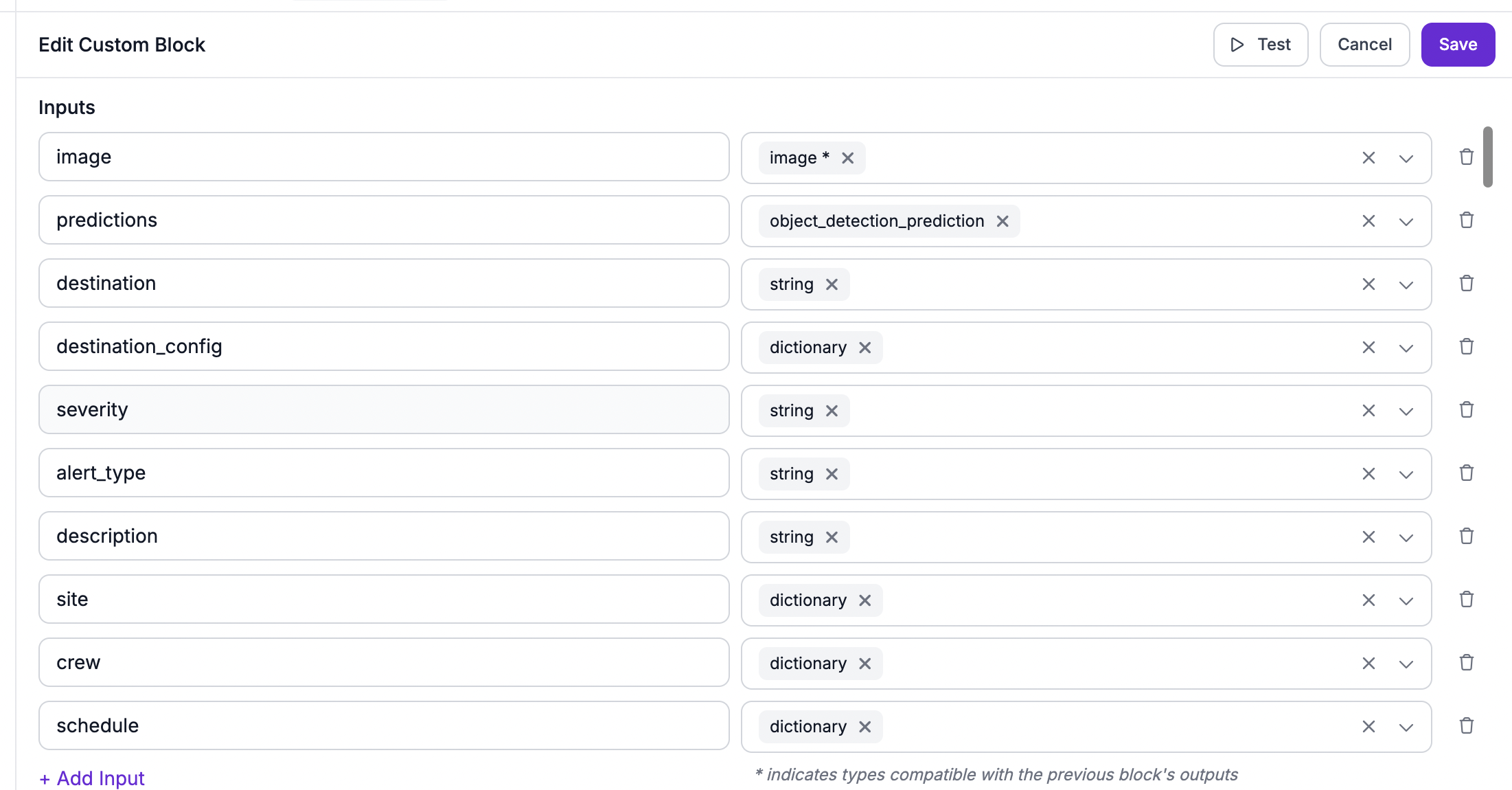
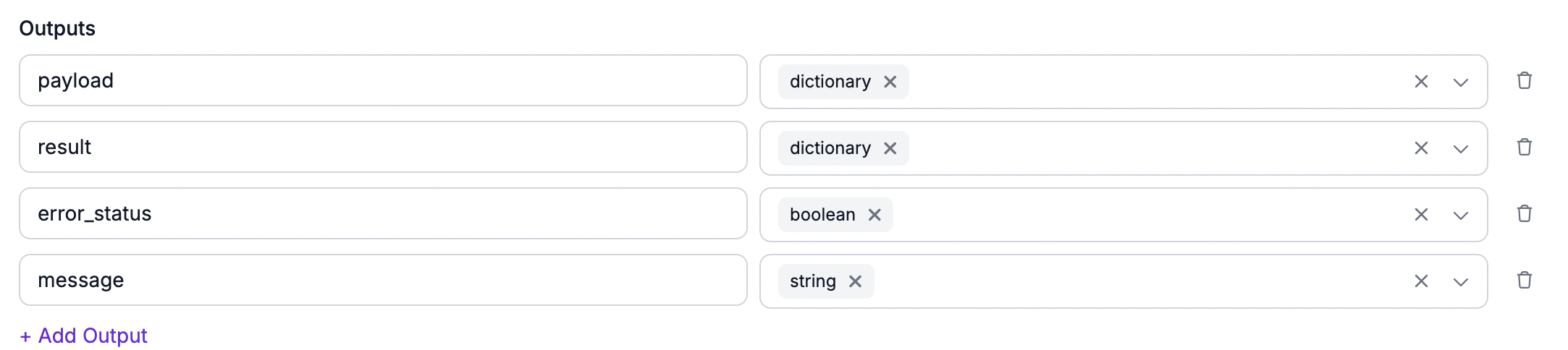
3 Type the builder valuesThe second tab lists each block field with the exact value, plus the inputs to declare and the chips to wire.
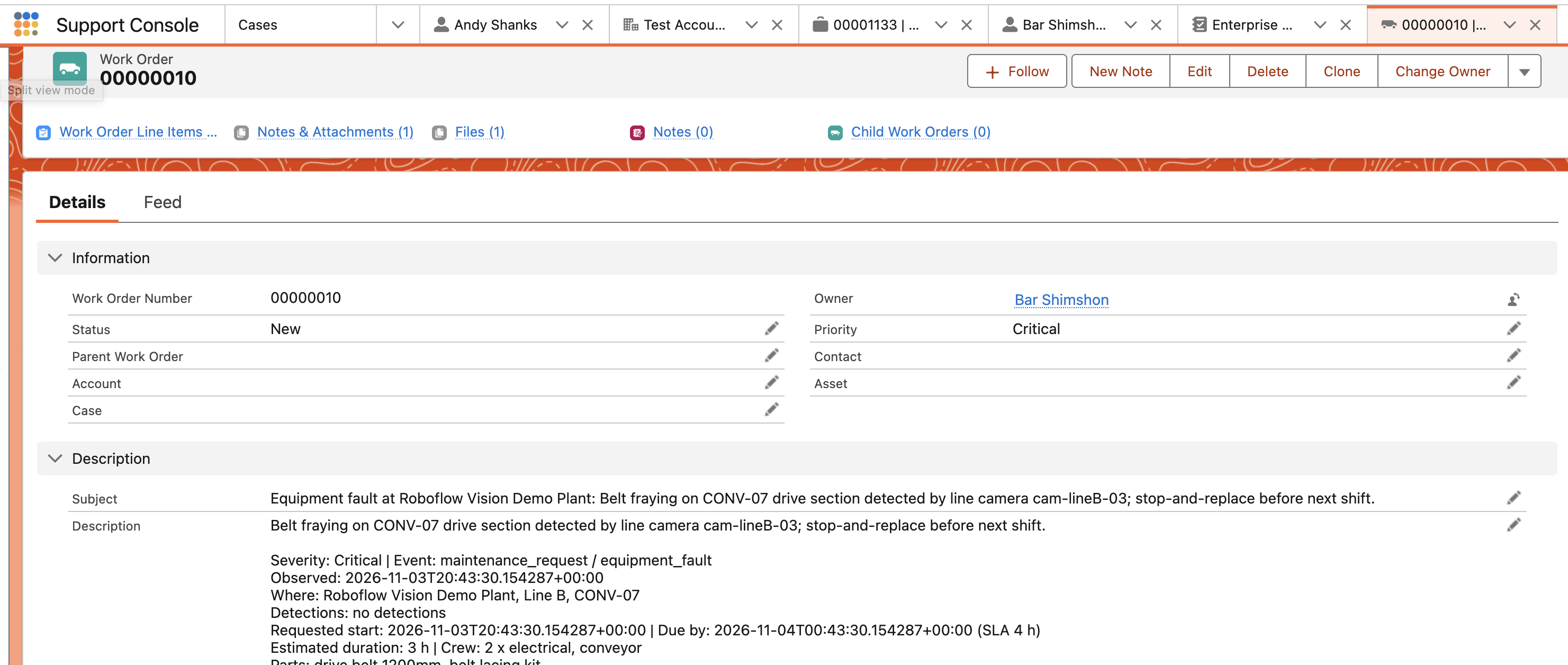
What it looks like in the builder and in Salesforce
Below, answer the questions on the left. The right side writes the code and the builder values. Nothing you type leaves this page.